韓國
Korea eSIM · 1d/3d/30d
Paid orders are non-refundable — eSIM is a digital good and cannot be refunded once issued or activated. Please confirm your phone supports eSIM first (dial *#06# and look for an EID).
Plan details
| Validity | 1d / 3d / 30d / 60d |
|---|---|
| Network | SKT、LG U+ |
| Hotspot | ✓ |
Install & activate
- After payment, your eSIM QR code is emailed within one business day.
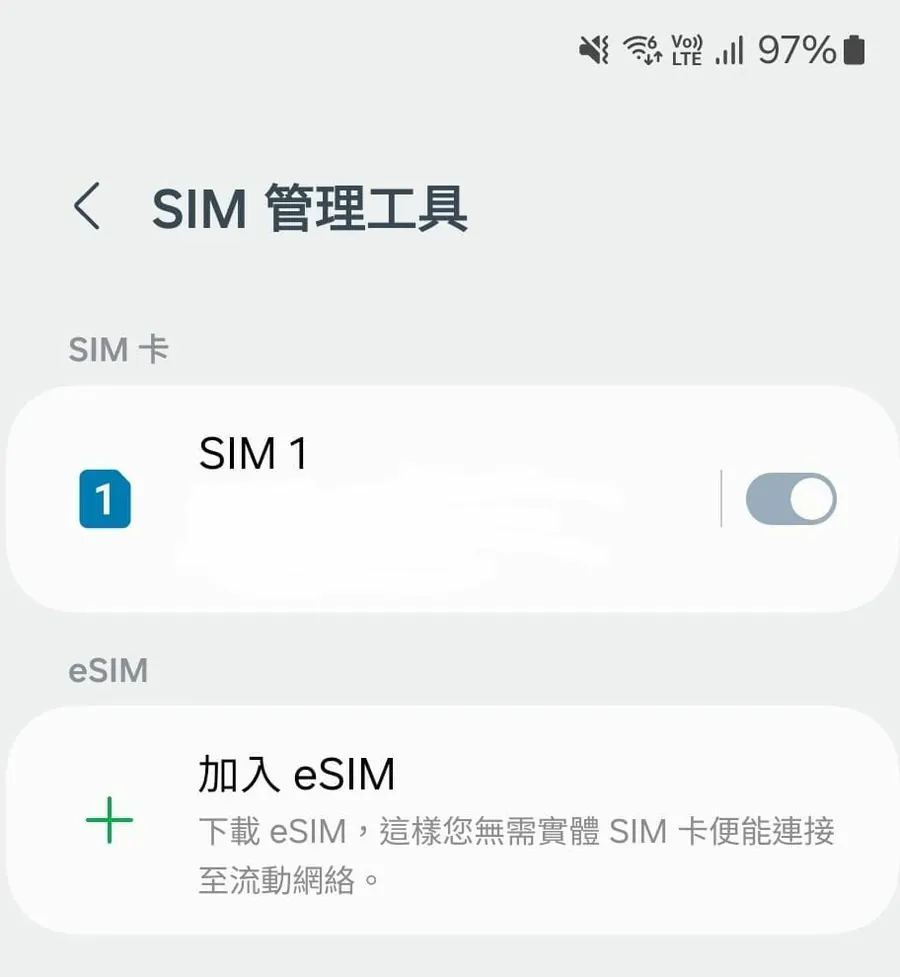
- Connect to Wi-Fi, open Settings → Cellular → Add eSIM, and scan the code.
- On arrival, select the eSIM and enable Data Roaming.
- If it does not connect, set the APN manually or contact us.
Before you buy
- This is an eSIM, not a physical card. Check that your phone supports eSIM (dial *#06# for an EID).
- Some HK/Macau iPhone models do not support eSIM.
- The QR code can be installed only once and cannot be transferred.
- After the data allowance is used, speed is throttled — no extra charges.
- Data is provided by local operators; actual speed depends on local coverage.
Product description
本商品是E-SIM版,非實體SIM卡版**採用韓國2大4G LTE網絡:SKT + LG U+,全韓國覆蓋(視供應商而定)不限速不減速,
無限任用高速數據由連續3天至30天等多款天數可供選擇(開卡完成起計24小時為1天)可數據分享最後啟用日:購買日起計不少於60天如何收取E-SIM:本站將在訂單確認當天至下一個工作天辦公時間內,
電郵提供專用二維碼給客人作安裝E-SIM之用( - 香港版和澳門版iPhone僅以下型號支援:iPhone 17系列、iPhone Air、iPhone 16e、iPhone XS、iPhone 12 mini、iPhone 13 Mini、
iPhone SE。Android手機:Asus zenfone 12 ultra。
如何啟用:於手機的ESIM設定掃描QR CODE及安裝完成後,於設定內選擇該E-SIM作為網絡連線之用並開啟數據功能,E-SIM在到達目的地並連接到網絡後即時自動啟用正常情況是自動連線,但在啟用後未有連線上網,
請手動完成APN設定名稱:cmhkAPN:cmhk使用者名稱:(不用輸入)密碼:(不用輸入)驗証類型:PAP或CHAP
Learn more